CHART SKINS FOR TRADINGVIEW
RECKLESS SKINS.
CLEAN EXECUTIONS.
Put custom image and animated backgrounds behind your candles. Your price action, indicators and drawings stay on top, so you trade clean while your chart looks anything but basic.
One-time launch price, no subscription. Works on TradingView (web and desktop) and TradeSea. Mac app coming soon.
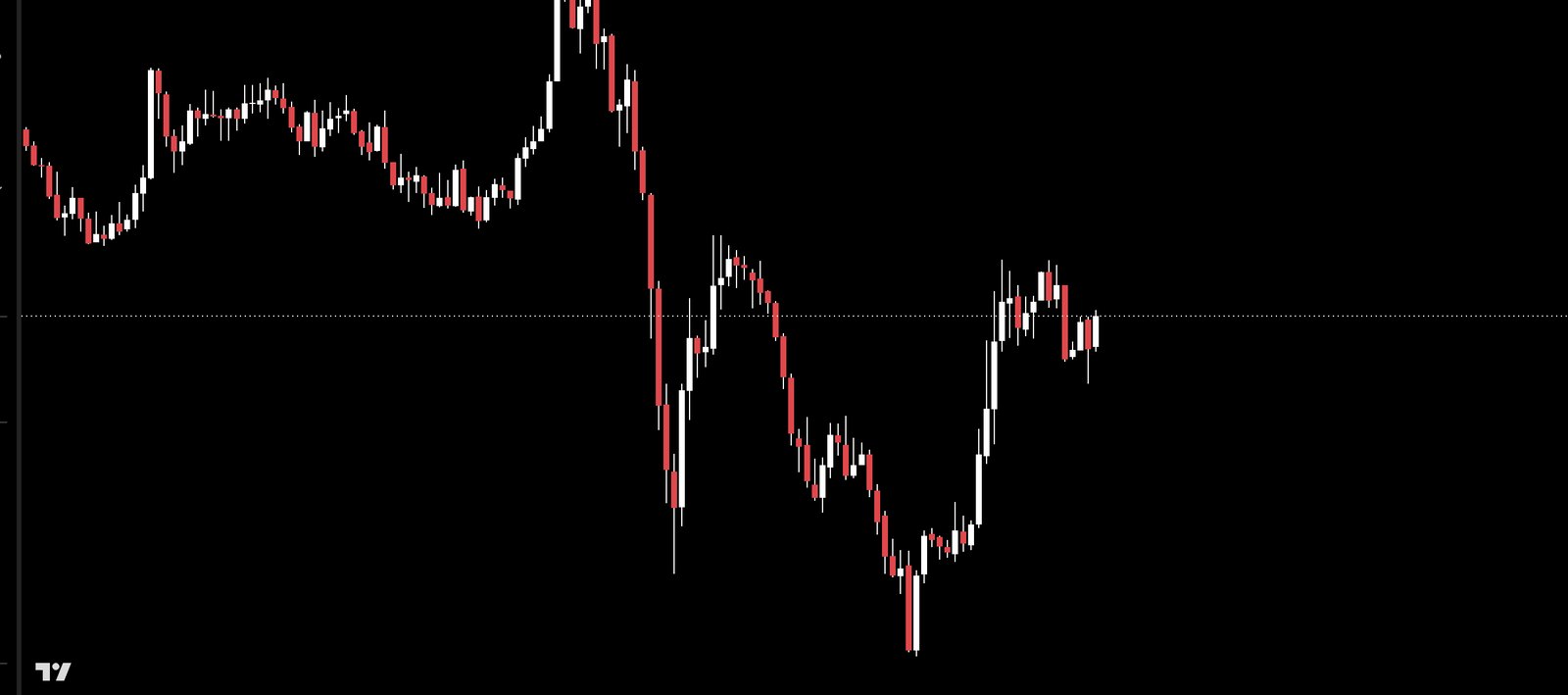
Animated and still skins
Smooth video loops and crisp images, built to sit quietly behind price action.
New drops, no updates
New skins appear in your menu automatically. Click Check for new skins and they are yours.
Folders and favorites
Browse by category and star the skins you keep coming back to.
One click off
Choose None anytime and your normal chart comes right back.
The skin library
Organized by folder. Hover a skin to see the plain chart.
Set up in a minute
Buy and install
Check out once and you get your download links right away. Add the Chrome extension for the browser, or install the Windows app for TradingView Desktop.
Set your chart to black
Chart Settings, Canvas, Background: solid, pure black. For the cleanest look, turn off pre and post market shading.
Pick a skin
Open the RECKLESS SKINS menu, choose a folder and click a skin. It shows up behind your candles right away.
PRICING
Get RECKLESS SKINS
Lock in the launch price. Pay once and get the Chrome extension and the Windows app.
- Chrome extension for TradingView and TradeSea (Chrome, Edge, Brave)
- Windows app for TradingView Desktop
- Every skin in the library, animated and still
- App and extension updates included
- One payment. No subscription.
Secure checkout through PayPal. No PayPal account needed to pay by card. Your download links appear right after you pay.
FAQ
Is this a subscription?
No. It is a one-time payment of $25 at the launch price.
How do I download after I buy?
Right after checkout you land on your download page. PayPal also emails you a receipt. Lost your link? Email us with your PayPal receipt and we will resend it.
Will a skin get in the way of my chart?
No. Skins sit behind the chart. Candles, indicators, drawings and order lines stay on top.
Why is my skin not showing?
Set the chart background to solid, pure black, then refresh the chart tab.
Windows says "Windows protected your PC". Is it safe?
Yes. That message appears for new apps that are still building reputation with Microsoft. Click More info, then Run anyway.
How do I get new skins?
Click Check for new skins in the menu. New drops appear automatically, with no update needed.
Does it collect my data?
No. Your skin choice and favorites are stored only on your device. See our privacy policy.